
How to Resize Image to 20KB Online for Government Forms (Ultimate Guide)
Have you ever filled out a government application form only to see an error saying your photo exceeds the allowed size limit?
You’re not alone.
Many government portals, competitive exams, scholarship applications, and online registration systems require applicants to upload a photo under a specific size limit. One of the most common requirements is a passport-size photo below 20KB.
If you’re searching for the easiest way to resize image to 20KB online, this guide will walk you through the complete process while maintaining good image quality.
Whether you’re applying for a government job, entrance exam, Aadhaar-related service, scholarship, or university admission, this guide will help you avoid upload errors and application rejections.
Why Do Government Forms Require Photos Under 20KB?
Government websites handle millions of applications every year.
To reduce storage requirements and improve processing speed, many portals enforce strict image size limits.
Common requirements include:
- Passport-size photograph
- JPG or JPEG format
- Maximum file size of 20KB
- Specific width and height dimensions
If your image exceeds the allowed limit, the upload may fail or your application may be rejected.
This is why learning how to resize image to 20KB online is important for many applicants.
How to Resize Image to 20KB Online
Follow these simple steps:
Step 1: Open the Tool
Use our free tool:
👉 https://themultitools.com/compress-image-to-20kb/
Step 2: Upload Your Photo
Choose the image from your:
- Computer
- Mobile phone
- Tablet
Supported formats include:
- JPG
- JPEG
- PNG
Step 3: Compress the Image
The tool automatically reduces file size while preserving visual quality as much as possible.
Step 4: Preview the Result
Check the optimized image before downloading.
Step 5: Download and Upload
Download the compressed image and upload it to your government application portal.
The entire process takes only a few seconds.
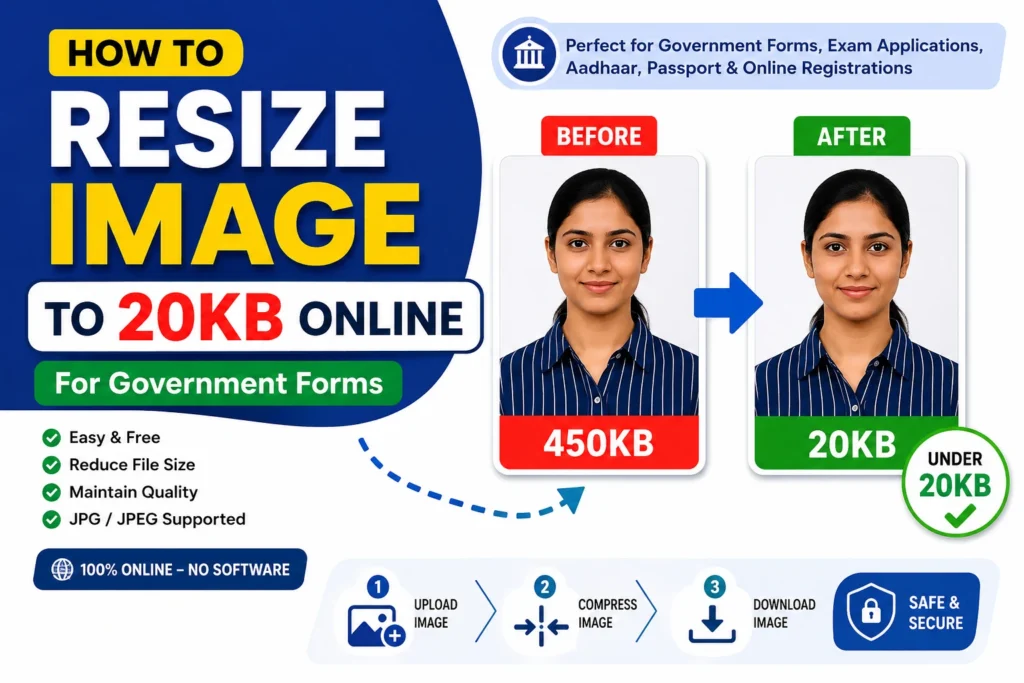
Example: Convert a 450KB Photo to 20KB
Let’s say you have:
Original Image Size: 450KB
Required Upload Size: 20KB
Using the Compress Image to 20KB Tool:
450KB → 20KB
The image becomes suitable for government applications while remaining clear enough for identity verification.
This is one of the fastest ways to resize image to 20KB online without using Photoshop or other complicated software.
Common Government Applications That Require 20KB Photos
You may need a photo below 20KB for:
- SSC examinations
- Banking recruitment
- Railway recruitment
- Scholarship applications
- University admissions
- Government job applications
- Aadhaar services
- Online registrations
- Identity verification portals
Always verify the exact photo requirements mentioned in the official notification.
Common Mistakes to Avoid
1. Ignoring Image Dimensions
Many applicants focus only on file size.
However, government portals often require both:
- Specific dimensions
- Specific file size
Always check both requirements.
2. Using Unsupported Formats
Many portals only accept:
- JPG
- JPEG
Uploading PNG or other formats may result in errors.
3. Compressing an Already Blurry Photo
If the original image is blurry, compression may reduce quality further.
Start with a clear, high-quality image whenever possible.
4. Compressing Multiple Times
Repeated compression can significantly reduce image quality.
Use a reliable compression tool and download the final version only once.
Related Tools You May Find Useful
Explore More Image Tools
Browse our complete collection of image utilities:
You will find tools for:
- Image compression
- Image resizing
- Background removal
- Passport photo creation
- Image format conversion
Official Resources
Before uploading your photo, always verify the official requirements from the respective portal.
Useful references:
Official guidelines always take priority over general recommendations.
Frequently Asked Questions
How can I resize image to 20KB online for free?
Simply upload your image to an image compression tool, compress it, preview the result, and download the optimized file.
Is 20KB enough for a passport-size photo?
Yes. Many government applications accept passport-size photos below 20KB.
Can I resize a PNG image to 20KB?
Yes. PNG files can be compressed to 20KB, although JPG files usually achieve smaller sizes more efficiently.
Will image quality decrease after compression?
Some reduction is normal, but a good compression tool maintains acceptable visual quality.
Can I resize image to 20KB online using a mobile phone?
Yes. Most online image compression tools work perfectly on Android and iPhone devices.
Final Thoughts
Knowing how to resize image to 20KB online is extremely useful for government job applications, competitive exams, scholarship registrations, university admissions, and online verification processes.
Instead of using complicated photo editing software, you can use our free online tool to resize image to 20KB online in seconds while maintaining good image quality.
Before submitting any application, always verify the required image dimensions, format, and file size limits mentioned in the official notification.
👉 Try the Tool Now:
https://themultitools.com/compress-image-to-20kb
And if you regularly submit online applications, don’t forget to explore our other image tools designed specifically for government forms and document uploads.
About TheMultiTools
TheMultiTools provides free online tools for image editing, PDF conversion, AI utilities, ecommerce sellers, business users, and everyday productivity tasks. Our goal is to make complex tasks simple, fast, and accessible for everyone.